Kandinsky-3: A text2Image diffusion model
👋🏼描述
Kandinsky3.0是一个基于Kandinsky2-x模型家族的开源文本到图像扩散模型。与前代相比,Kandinsky3.0包含了更多的数据,特别是与俄罗斯文化相关的数据,从而可以生成与俄罗斯文化有关的图片。此外,通过分别增加文本编码器和扩散U-Net模型的大小,增强了模型的文本理解和视觉质量。
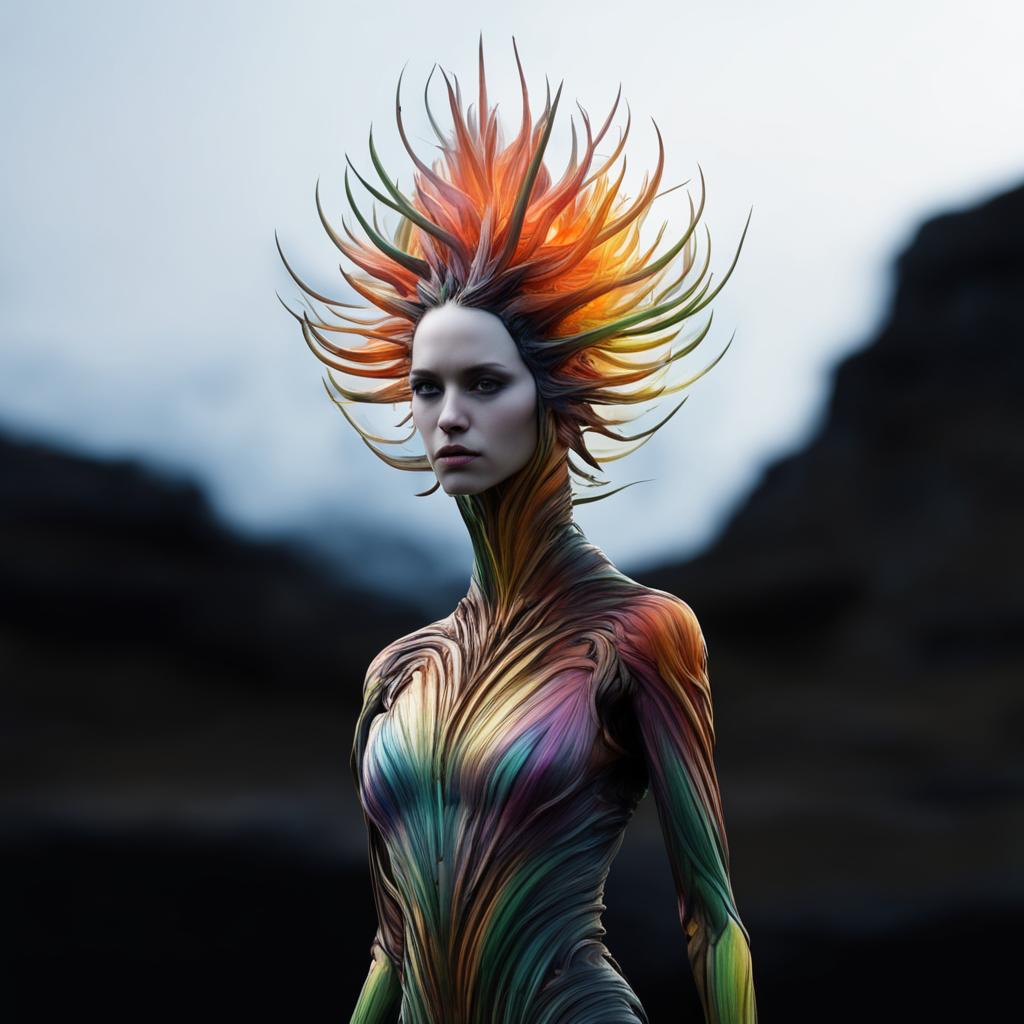
text2Image示例
Kandinsky3.0是一个潜在扩散模型,其完整管道包括用于处理来自用户的提示的文本编码器、用于在去噪(反向)过程中预测噪声的U-Net以及用于从生成的潜在图像重建图像的解码器。在U-Net训练过程中,文本编码器和图像解码器被完全冻结。
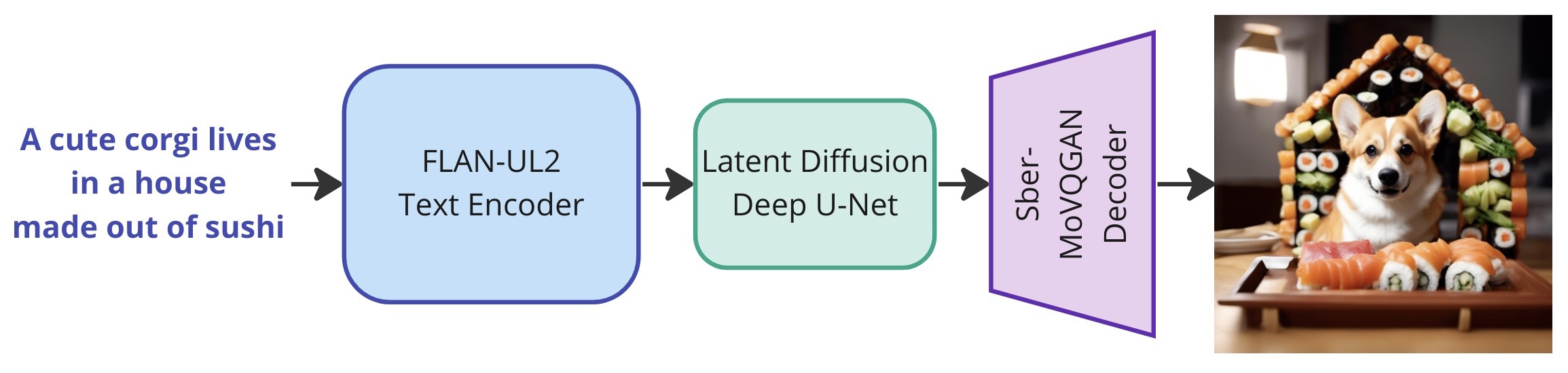
Overall Pipeline
🎛️体系结构

Architecture details
Kandinsky3.0的体系结构由三部分组成:
Text encoder Flan-UL2 (encoder part) - 8.6B;
Latent Diffusion U-Net - 3B;
MoVQ encoder/decoder - 267M;
📑模型
Kandinsky3.0发布了两个模型:
Base:基础文本到图像的扩散模型。该模型在400 A100上训练了超过2M步;
Inpainting:图像修描的模型。该模型展示了其基于文本查询智能填充图像缺失区域并将其与周围视觉内容无缝融合的能力;
🛠️安装部署
使用conda环境部署:
1 | conda create -n kandinsky -y python=3.8 |
text2image示例代码
1 | from kandinsky3 import get_T2I_pipeline |
inpainting示例代码
1 | from kandinsky3 import get_inpainting_pipeline |
🩺效果展示

"A beautiful landscape outdoors scene in the crochet knitting art style, drawing in style by Alfons Mucha"

Inpainting

Outpainting
high-quality animated video
推荐阅读

关注【码上艺术】公众号,第一时间获取更多前沿技术干货!